Hotline: 16297 (9.00 AM to 11.00 PM)




 Hello, Sign in
 Cart
Cart 





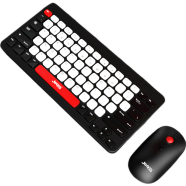
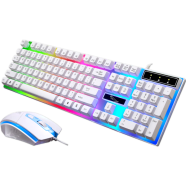


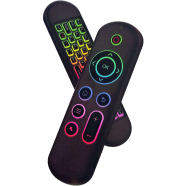
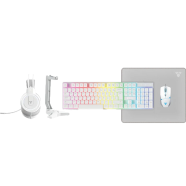
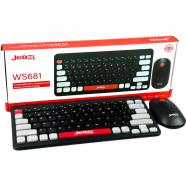
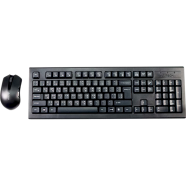
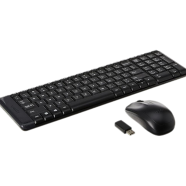

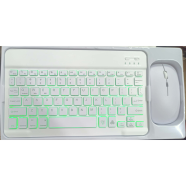

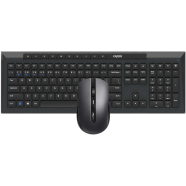
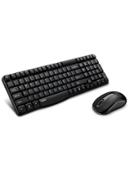
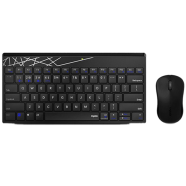
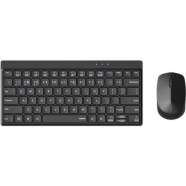
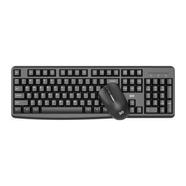
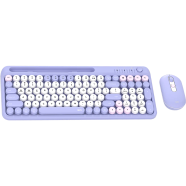
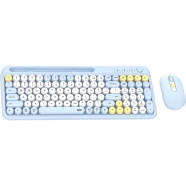
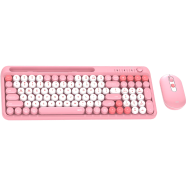
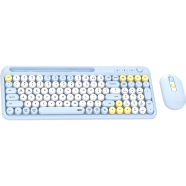
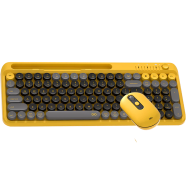
The Fantech Go Mochi 101 WK899 Wireless Combo links three devices via Bluetooth 3.0, 5.0, and 2.4GHz frequencies. This 101-key membrane setup includes a dedicated volume knob and a 1600 DPI silent mouse. Upgrading from the WK898 adds a full numeric keypad and an integrated phone holder.
Key Features
- Tri-Mode Linking: BT 3.0, 5.0, and 2.4GHz wireless connect three hardware units. Switch between a PC and phone without re-pairing.
- Device Stand: Built-in chassis slot secures smartphones or tablets at an angle. It keeps your mobile screen visible during desktop tasks.
- Audio Dial: Rotary knob controls volume levels through a physical hardware interface. Adjust sound instantly without searching for function keys.
- 101-Key Layout: Full-size membrane board weighs 431g with concave round keycaps. It fits standard desk setups while surviving heavy road dust.
- Silent Mouse: 1600 DPI optical sensor paired with low-noise microswitches. Clicks won't disrupt others in shared workspaces.
- 12-Month Warranty: One-year brand coverage against internal hardware defects. It protects the circuit board from standard component failure.
Frequently Asked Questions
How to connect Fantech WK899 via Bluetooth?
Move the connection toggle to the BT icon and hold the pairing button. Your device will detect the keyboard as Go Mochi 101.
Is Fantech WK899 keyboard silent?
The membrane switches dampen the impact of every keystroke. This reduces noise levels significantly compared to mechanical alternatives.